
Beginner Tips for Taking Better Phone Photos

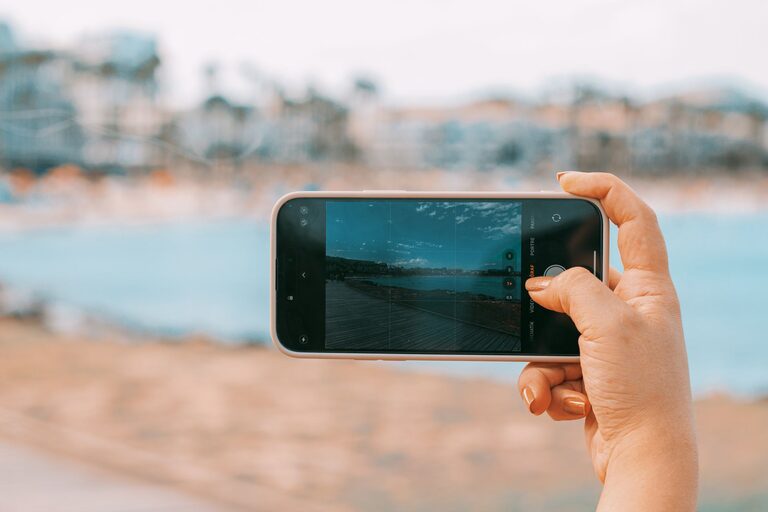
Taking great photos with your phone is easier than ever thanks to advances in mobile camera technology. Whether you want to capture stunning landscapes, candid moments, or creative shots, there are simple tips that can help you improve your photography skills. In this post, we’ll explore beginner-friendly advice to help you take better phone photos.
Understand Your Phone Camera
Explore Camera Features
Most smartphones now come with powerful cameras offering features like HDR, portrait mode, and manual settings. Spend some time exploring your phone’s camera app to understand what modes and options are available. Knowing when to use each mode can make a big difference in your photos.
Clean Your Lens
It sounds basic, but cleaning your phone’s camera lens regularly helps avoid blurry or foggy images. Your phone is often in your pocket or bag, where dust and fingerprints collect. Use a microfiber cloth to gently wipe the lens before shooting.
Focus on Composition
Use the Rule of Thirds
Composition matters more than the camera itself. Many phone cameras have a grid feature that divides the frame into thirds, both horizontally and vertically. Position key elements along these lines or where the lines intersect to create a balanced and visually appealing shot.
Simplify the Scene
Too many elements can distract from the subject. Try to eliminate clutter or choose a plain background to make your subject stand out. This simplicity often enhances the overall impact of the photo.
Experiment with Angles
Don’t just shoot from eye level. Try different perspectives like getting low to the ground, shooting from above, or from the side. New angles can add interest and creativity to your photos.
Make the Most of Lighting
Use Natural Light
Natural light generally produces the best photos. Try to shoot during the “golden hour,” which is shortly after sunrise or before sunset, when the light is soft and warm. Avoid harsh midday sun, which can create strong shadows and highlights.
Avoid Using Flash
The built-in flash on phones often creates harsh, flat lighting or red-eye effects. Instead, seek out shaded areas or indirect light sources for a more natural look.
Adjust Exposure Manually
Many camera apps allow you to tap on your subject to focus and then drag a slider to adjust exposure (brightness). Learning to control exposure can help you capture details in both bright and dark areas of the scene.
Steady Your Shot
Keep Your Phone Still
Blurry photos often result from shaky hands. Hold your phone with both hands and tuck your elbows into your body for stability. If possible, lean against a solid surface or use a tripod or phone stand.
Use Burst Mode for Action Shots
When photographing moving subjects, use burst mode to take several photos in quick succession. This increases your chances of getting a sharp, well-timed shot.
Edit Your Photos
Use Basic Editing Tools
Simple edits can dramatically improve your photos. Adjust brightness, contrast, saturation, and sharpness using built-in phone editing apps or free third-party apps. Avoid over-editing, which can make images look unnatural.
Crop for Better Framing
Sometimes a photo’s composition can be improved by cropping. Remove distracting elements or adjust the framing to highlight your subject.
Try Filters Wisely
Filters can add mood and style but use them sparingly. Choose filters that enhance your photo without overwhelming it.
Practice Regularly
Like any skill, your photography will improve with practice. Take your phone with you and shoot often. Review your photos later to see what worked well and what could be improved. Over time, you’ll develop an eye for good shots and gain confidence in your abilities.
Final Thoughts
Taking better phone photos isn’t about having the most expensive phone or complicated equipment. It’s about understanding your camera’s features, thinking about composition and lighting, steadying your shots, and practicing editing. With these beginner tips, you can start capturing clearer, more vibrant photos that tell your story beautifully. Happy shooting!